Gemini Omni 1.2 Flash
Create a short scene with sound, then shape it through conversation. Explore Gemini Omni 1.2 Flash for video generation and editing.
Reference imageDescribe the video you want to create… Gemini Omni 1.2 FlashOpen generator
What is Gemini Omni 1.2 Flash?
Gemini Omni 1.2 Flash is Google’s model for creating and editing video. Build a scene around words and visual references, then describe the change you want. Explore dialogue, movement and atmosphere in the same creative brief.
See public Gemini Omni 1.2 Flash examples
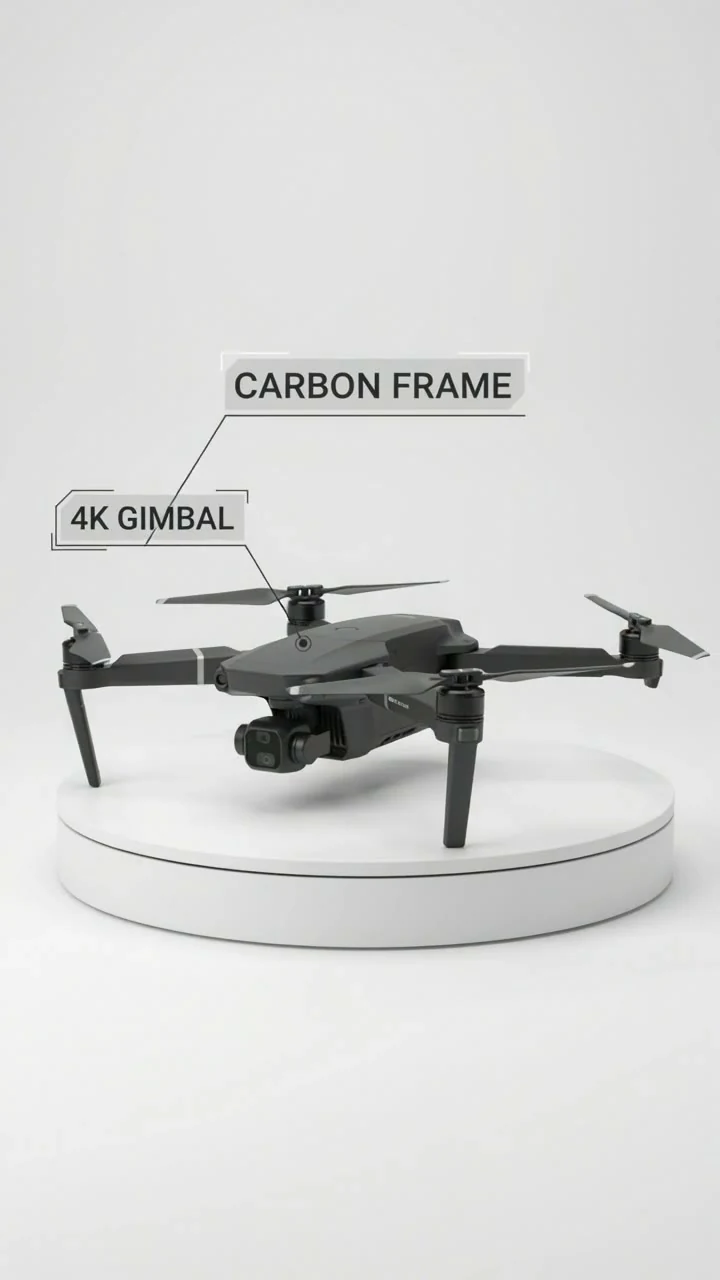
A vertical product presentation
Prepare your first Gemini Omni 1.2 Flash brief
Plan the subject, camera movement and sound for your shot.
Choose a starting point
Write a scene or gather a starting image. Define the subject, setting and one main action.
Direct picture and sound
Add camera movement, lighting, dialogue and ambience. Keep the instructions specific enough to review.
Review before refining
Check the subject, timing and sound. Note one change for the next pass and what should be preserved.
Direct the scene, then refine the details
Start with one clear shot and make each creative choice deliberate.
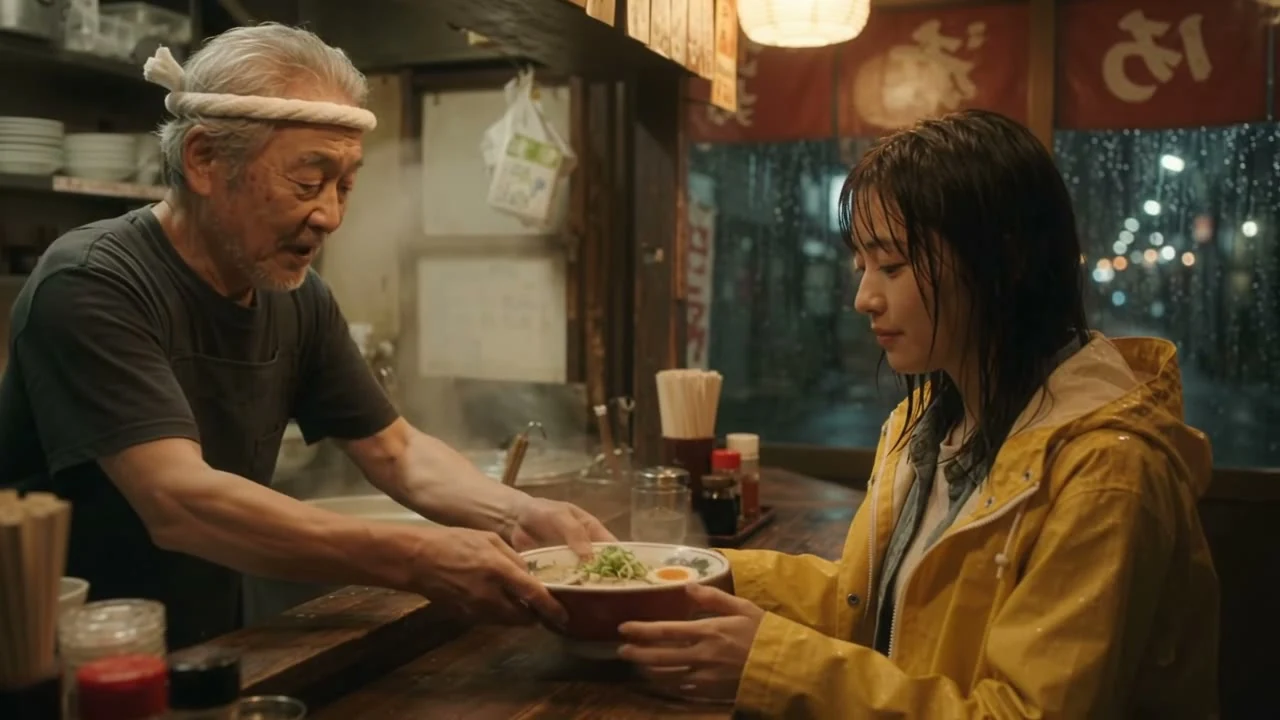
Video with sound
Write the action and the sound together: the subject’s movement, a line of dialogue and the room around it. Give each speaker a clear role.
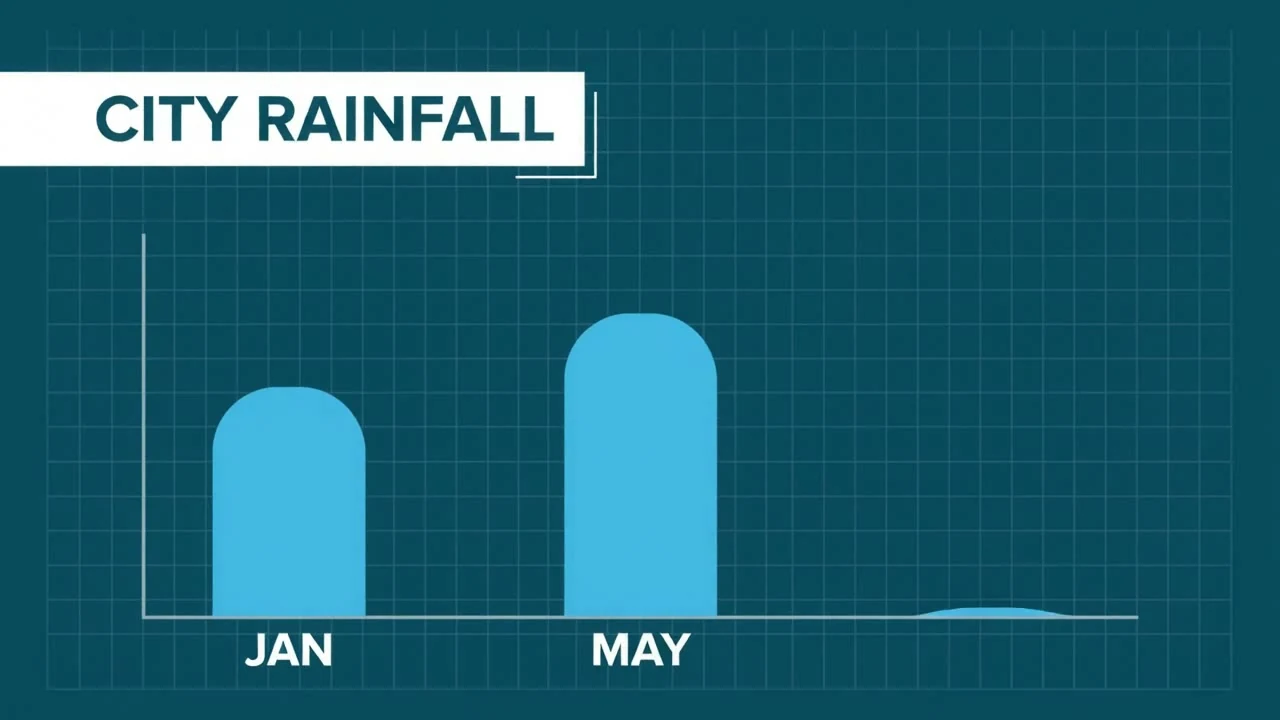
Edit through conversation
Describe one change at a time, such as the light, background or camera angle. Say which parts of the scene should stay the same.

Keep references in focus
Use references to guide the look of a product, character or setting. A clear brief helps separate the identity of the subject from the movement of the shot.
Draft, review and upscale
Google lists clips up to 15 seconds, with drafts at 360p or 720p and upscaling to 1080p or 4K. Higher output resolution is not native 4K generation.
Ideas for your next short video
A product moment
Plan a reveal around one object, a camera move and a change of light.
A short story
Give a character one action and a clear beginning and ending.
A visual explanation
Choose a simple process and make each movement easy to follow.
Explore available video models
Questions about Gemini Omni 1.2 Flash
What can Gemini Omni 1.2 Flash create?
Create product showcases, short ads, animated explainers and character scenes from prompts and references.
Can I turn a reference image into a video?
Yes. Use product, character or style images to guide the subject’s appearance, then describe the action and camera movement.
Can I refine a video through conversation?
Yes. Describe changes to the background, lighting or other details, and refine the same clip over successive turns.
Can it generate video with sound?
Yes. The model generates video with audio, including dialogue. Describe the speakers and the sounds you want in your prompt.